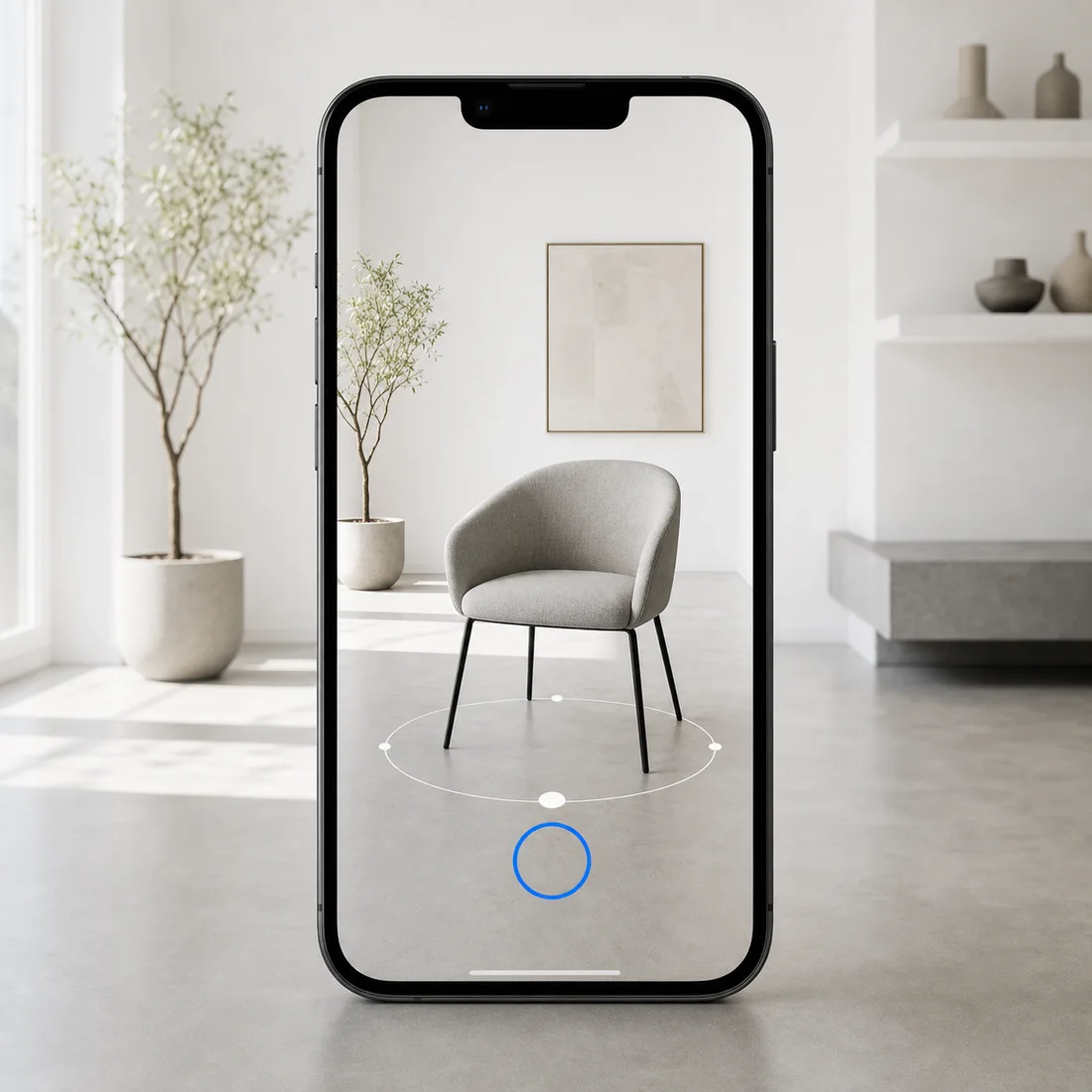
Web, AR and WebAR are related technologies, but they are not the same thing.
The Web allows people to access websites and online applications through a browser. AR adds digital objects to a view of the physical environment. WebAR makes augmented reality available through a website or web-based experience.
Web
Websites and web applications that users access through a browser.
AR
Augmented reality technology that combines a view of the real world with digital content.
WebAR
Augmented reality that is accessed through a web page, link or QR code.
What Is the Web?
The Web, also called the World Wide Web, is a system of connected pages and applications accessed through the internet.
A modern website can contain:
— Text
— Images
— Video
— Forms
— Animations
— 3D models
— Product configurators
— Interactive presentations
— Online stores
— Augmented reality functions
— Customer dashboards
— Web applications
The internet and the Web are not exactly the same.
The internet is the global infrastructure that connects networks and devices. The Web is one of the services that operates through this infrastructure.
Users normally access web content using browsers such as Chrome, Safari, Firefox or Edge.
What Is AR?
AR stands for Augmented Reality.
Augmented reality adds digital information to a live or recorded view of the physical world.
The camera displays the user’s environment while software places virtual content over it.
This virtual content can include:
— 3D products
— Text labels
— Animated instructions
— Directional arrows
— Virtual furniture
— Technical components
— Characters
— Product information
— Measurement guides
For example, a customer can open a virtual office chair on a smartphone and place it inside a real room.
The room remains visible through the camera, while the digital chair appears as if it were physically present.
AR vs VR
AR is often confused with VR, or Virtual Reality.
Augmented Reality
— Keeps the real environment visible
— Adds digital objects to the camera view
— Often works on smartphones and tablets
— Suitable for product placement and instructions
— Does not always require a headset
Virtual Reality
— Replaces the visible environment
— Places the user inside a digital space
— Often requires a headset
— Suitable for simulations, games and training
— Creates a more isolated experience
AR supplements reality. VR replaces it.
What Is WebAR?
WebAR is augmented reality delivered through a website or web-based interface.
A typical user journey looks like this:
1. The user opens a product page.
2. The user selects “View in Your Space.”
3. The device opens an available AR mode.
4. The user points the camera at the floor or another surface.
5. The product is placed in the environment.
6. The user can move, rotate and inspect it.
In many simple product demonstrations, a separate application is not required.
However, the exact behavior depends on the device, browser, operating system and technical implementation.
How WebAR Works
A WebAR experience normally includes several components:
3D Model
An optimized digital object prepared for mobile real-time rendering.
Web Page
A page containing a viewer, product information and an AR launch button.
Device Camera
The smartphone or tablet camera provides a view of the physical environment.
Tracking System
The device analyzes surfaces, movement and orientation.
AR Viewer
The object is displayed through WebXR or a system-level AR viewer.
For cross-platform product presentation, websites often use a GLB model for web display and supported Android workflows, together with a USDZ version for Apple devices.
WebAR vs a Native AR Application
Criteria · WebAR · Native AR Application
Access · Link, website or QR code · Installed from an app store
Installation · Often not required · Required
User entry barrier · Lower · Higher
Device integration · More limited · Deeper
Update process · Updated on the server · App update may be required
Development complexity · Often lower · Usually higher
Advanced functionality · Limited by platform support · More flexible
Suitable for product previews · Yes · Yes
Suitable for complex AR games · Limited · Better
Sharing · Simple web link · App store or deep link
WebAR is generally easier to distribute.
A native application provides more control and can support more complex interactions, but asking a user to install an application creates an additional step.
Main Benefits of WebAR
No Complicated Installation
The user can move from a product page or QR code to an AR experience with fewer steps.
Easy Distribution
A WebAR link can be shared through websites, social media, email, messaging applications, packaging or printed catalogues.
Integration with E-Commerce
The AR model can appear next to pricing, product options, specifications and purchasing controls.
Real-World Product Preview
Customers can evaluate the approximate size, shape and appearance of a product inside their own environment.
Limitations of WebAR
WebAR is not guaranteed to work identically on every device.
Its performance depends on:
— Browser support
— Operating system
— Device performance
— Camera permission
— Internet speed
— Model complexity
— Texture resolution
— Lighting conditions
— Surface detection
— Available system AR services
— Battery level
— Memory limitations
A high-quality implementation therefore requires testing on real smartphones and tablets.
Testing only on a desktop computer is not enough.
Where WebAR Is Used
Furniture
Customers can place a sofa, chair, table or cabinet in a room before ordering.
Interior Decoration
Lighting, artwork and decorative objects can be previewed in a real interior.
Consumer Electronics
Customers can compare the dimensions of televisions, speakers and household appliances.
Automotive
AR can demonstrate vehicles, accessories, wheels, components and replacement parts.
Industrial Equipment
Interactive models can support product demonstrations, training and technical instructions.
Education and Culture
Museums, schools and training platforms can display virtual exhibits and technical objects.
What Is Required to Add WebAR to a Website?
1. An optimized 3D model
2. Correct real-world scale
3. A GLB file
4. A USDZ file when Apple AR is required
5. A compatible web viewer
6. An AR launch button
7. HTTPS
8. A preview image or poster
9. Mobile testing
10. Clear instructions for the user
11. Analytics
12. A fallback for unsupported devices
The 3D model is one of the most important parts of the entire system.
A poorly optimized model can make even a well-designed website feel slow and unstable.
Is WebAR Useful for Online Stores?
WebAR is particularly useful for products whose size and appearance matter in relation to the customer’s environment.
Examples include:
— Furniture
— Lighting
— Home appliances
— Electronics
— Interior products
— Industrial equipment
— Art and decoration
— Automotive accessories
It can help users understand the product more clearly and make a more informed decision.
WebAR does not replace product photography, descriptions or dimensions. It complements them.
Frequently Asked Questions
Does WebAR require an application?
Not always. Many product-based WebAR experiences can be accessed through a website or system AR viewer.
Does WebAR work on desktop computers?
A desktop browser can display an interactive 3D model. Placement inside a physical room is normally performed on a compatible smartphone or tablet.
Can WebAR be added to an existing website?
Yes. The implementation method depends on the website platform, content management system and required functionality.
Is WebAR suitable for an online store?
Yes, especially for products that customers want to evaluate inside a real environment.
Conclusion
WebAR connects websites, interactive 3D content and augmented reality.
It allows customers to move from a product page to a spatial product preview without a complicated installation process.
I prepare optimized 3D models for websites, WebAR catalogues, online stores and interactive product presentations. Files can be supplied in GLB, USDZ and other required formats.