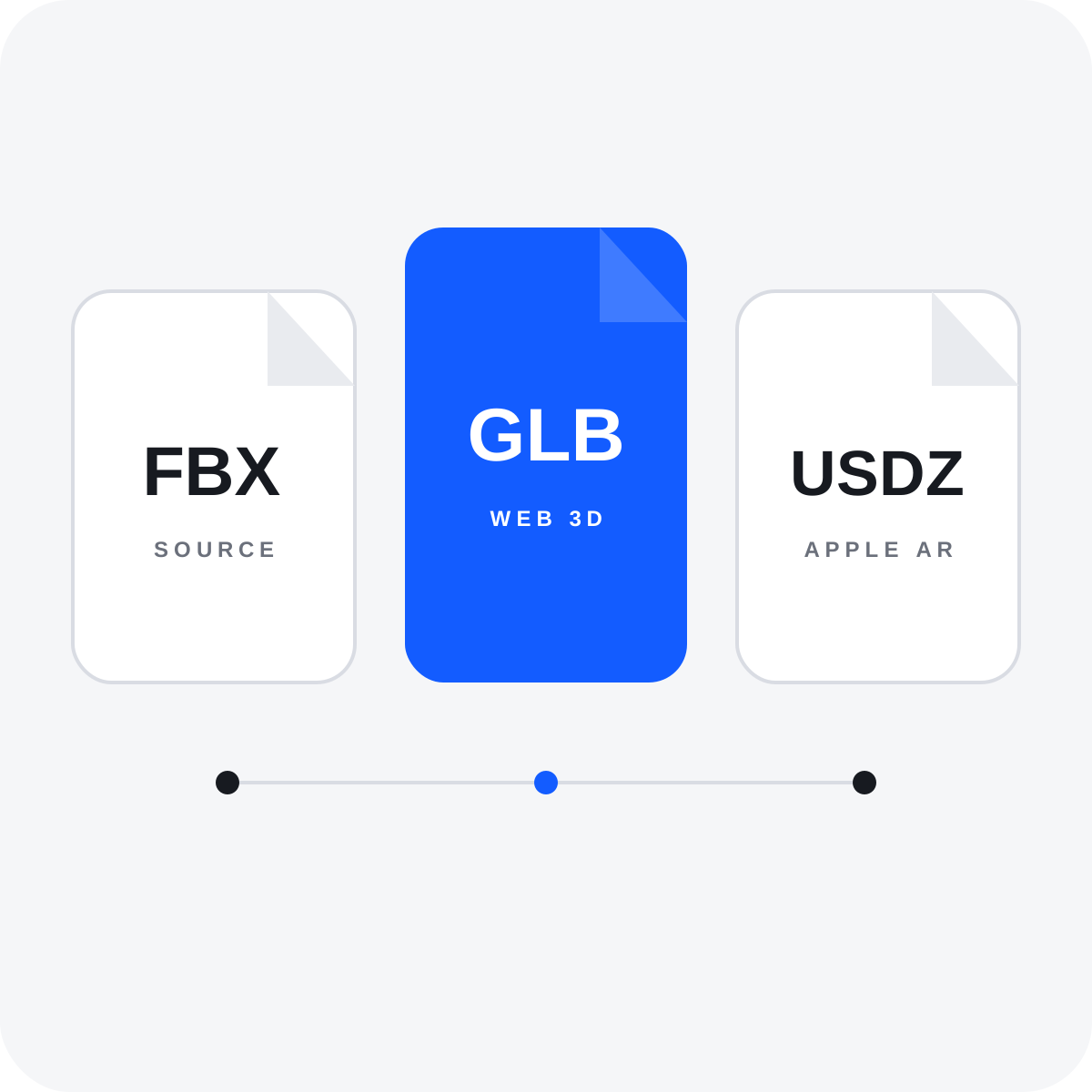
FBX, GLB and USDZ are widely used 3D file formats, but they solve different problems.
FBX is commonly used as a production and exchange format between professional 3D applications.
GLB is designed for efficient real-time delivery and is well suited to websites, applications and interactive 3D viewers.
USDZ is commonly used for three-dimensional content and augmented reality in the Apple ecosystem.
FBX
Best suited to editing, animation exchange and professional 3D production pipelines.
GLB
Best suited to interactive 3D models on websites and many real-time applications.
USDZ
Best suited to Apple AR Quick Look on iPhone and iPad.
For a cross-platform commercial project, it is common to keep an editable master file and prepare separate GLB and USDZ files for delivery.
What Is FBX?
FBX is a 3D exchange format commonly used with professional modeling, animation and game development software.
It can contain:
— Geometry
— Materials
— UV coordinates
— Skeletons
— Animation
— Cameras
— Lights
— Object hierarchy
— Morph targets
— Scene information
FBX is often used to move models between applications such as Blender, 3ds Max, Maya, MotionBuilder and game engines.
Advantages and Disadvantages of FBX
Advantages
— Broad professional software support
— Can store animation and skeletons
— Useful for exchanging editable assets
— Suitable for complex production pipelines
— Preserves object hierarchy
— Familiar to many 3D artists
Disadvantages
— Not designed as a lightweight web-delivery format
— Browsers do not display it natively
— Material transfer can be inconsistent
— Textures may remain separate
— Files may contain unnecessary scene data
— Different software versions may interpret it differently
FBX is usually better as a working or delivery source file than as the final file downloaded by every website visitor.
What Is GLB?
GLB is the binary version of glTF, which stands for GL Transmission Format.
A standard `.gltf` project may contain a JSON file, separate binary data and external textures.
A `.glb` file packages the model, scene information and textures into one binary container.
This makes GLB convenient for websites and interactive applications.
Advantages and Disadvantages of GLB
Advantages
— Suitable for websites
— Stored as a single file
— Supports PBR materials
— Can contain animation
— Efficient for real-time rendering
— Supported by many web viewers and engines
— Easier to distribute than a folder of separate files
— Suitable for mobile product visualization
Disadvantages
— Not designed as a primary editable source format
— Complex offline-rendering materials must be converted
— Optimization is still required
— Viewer support for advanced extensions can vary
— Incorrect export settings can change the appearance
— Large textures can still produce a heavy file
GLB is often the best final format for interactive 3D content on a website.
What Is USDZ?
USDZ is a packaged 3D format used extensively in the Apple ecosystem.
It allows compatible Apple devices to display 3D content and open augmented reality experiences through AR Quick Look.
A user can select an AR button in Safari and place the digital object into a physical space.
Advantages and Disadvantages of USDZ
Advantages
— Integrated with Apple devices
— Suitable for AR Quick Look
— Can be opened from Safari
— Delivered as a single file
— Supports materials
— Can support animation
— Useful for product visualization
— Provides a familiar system-level AR experience
Disadvantages
— Primarily focused on Apple platforms
— Conversion results must be tested
— Materials may appear differently from the source
— Some advanced effects may not transfer
— Not normally used as the main editable source
— A separate GLB version may still be required
FBX vs GLB vs USDZ
Feature · FBX · GLB · USDZ
Main purpose · Editing and exchange · Real-time 3D delivery · Apple 3D and AR
Suitable for websites · Limited · Yes · Mainly for Apple AR launch
Suitable for Android AR · Not normally · Commonly used · Generally not the primary choice
Suitable for Apple AR · Not directly · Web display is possible · Yes
Single-file delivery · Usually · Yes · Yes
Animation support · Yes · Yes · Possible
PBR material support · Depends on workflow · Yes · Yes
Easy to edit · Relatively good · Limited · Limited
Suitable as a master file · Yes · No · No
Suitable as a final web file · Usually no · Yes · For Apple-specific delivery
Which Format Should You Choose?
For Editing or Transferring the Model
Use FBX or the original project file from Blender, 3ds Max, Maya or another application.
Include all external textures.
For an Interactive Model on a Website
Use an optimized GLB file.
For Android-Oriented WebAR
GLB is commonly used, depending on the selected web viewer and AR workflow.
For AR on iPhone and iPad
Prepare a USDZ file for Apple AR Quick Look.
Recommended Cross-Platform File Set
For a commercial 3D product, a practical delivery package may contain:
Master File
The original editable scene or FBX file.
Web File
An optimized GLB version for the website and interactive viewer.
Apple AR File
A tested USDZ version for compatible Apple devices.
This approach separates production files from platform-specific delivery files.
Recommended Production Workflow
1. Create or import the source model.
2. Clean the geometry.
3. Correct normals and smoothing.
4. Check the UV layout.
5. Prepare real-time PBR materials.
6. Reduce unnecessary polygons.
7. Set the correct scale and pivot.
8. Export the GLB version.
9. Create the USDZ version.
10. Test both files on target devices.
Common Conversion Problems
Incorrect Scale
A chair may appear the size of a building or fit in the palm of a hand.
Broken Materials
Materials from V-Ray, Corona or another offline renderer may not transfer directly.
Missing Textures
External image files may be excluded or linked incorrectly.
Incorrect Normals
Surfaces may appear dark, transparent or visually broken.
Excessive File Size
Changing the extension does not automatically optimize the model.
Incorrect Pivot Position
The model may rotate incorrectly or appear above the detected floor.
Is Converting FBX to GLB Enough?
No.
Conversion and optimization are different processes.
A heavy FBX file can become a heavy GLB file. If it contains excessive polygons, large textures and unnecessary objects, these problems may remain after conversion.
Before final export, the model should be inspected and prepared specifically for real-time use.
GLB vs glTF
GLB and glTF belong to the same standard.
glTF
— Usually uses a readable JSON file
— May reference external textures
— May reference separate binary data
— Convenient for development and inspection
GLB
— Uses a binary container
— Can package model data and textures together
— Easier to upload and distribute
— Convenient for production websites
For simple website integration, GLB is often more convenient because it is delivered as one file.
Frequently Asked Questions
Can I upload an FBX file directly to a website?
It is technically possible with specialized software, but GLB is usually a better format for final web delivery.
Can an iPhone display a GLB model?
A website can display a GLB model in an interactive viewer. A separate USDZ file is commonly used when launching Apple AR Quick Look.
Does conversion reduce quality?
The result depends on material conversion, texture settings, geometry optimization and export configuration. The file extension alone does not determine the final quality.
Should I keep the original project file?
Yes. GLB and USDZ should not be the only copies of an important commercial model.
Conclusion
FBX, GLB and USDZ are not direct replacements for one another.
FBX is useful for production and model exchange. GLB is suitable for efficient interactive 3D delivery on websites. USDZ provides integration with augmented reality on Apple devices.
I prepare and optimize FBX, GLB and USDZ files for websites, online stores, WebAR projects and mobile product presentations.